To get started on the FareShare Community Hub, you will need to create an admin account and organisation profile.
Please note: the FareShare Community Hub is powered by Do IT. If your organisation already has a do-it.org or doit.life account, please follow the set-up instructions here.
Otherwise, please follow the instructions below to create a new organisation profile
1. Click here to follow the link and begin signing up:
2. You will be directed to a simple registration form. Please complete all the fields.
The Email will be the email address that you use to log onto the platform.
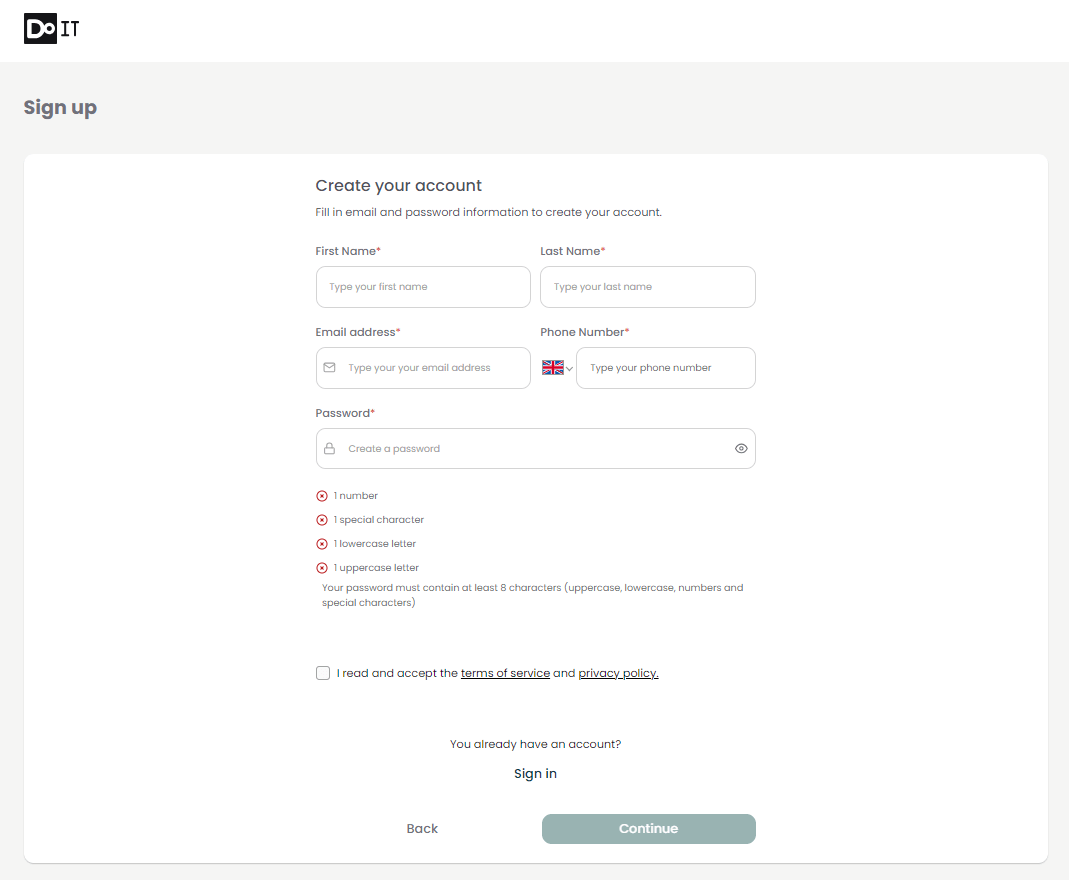
4. Tick the box to accept the Terms of Service.
5. Click ‘Continue’. You will be directed to a simple form to Create your Organisation.
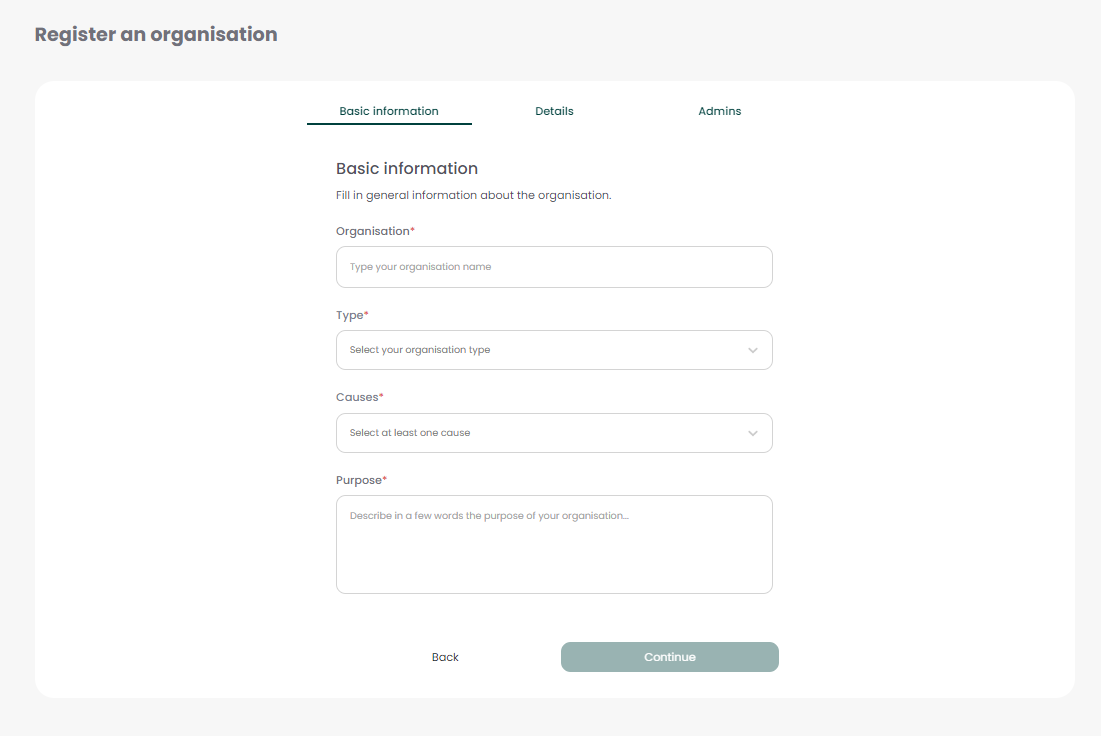
6. Please complete all the fields. You will be able to update your profile at any time.
7. If you would like to add any other administrators to your organisation’s account you can add them by inputting their email on the final section of the registration form.
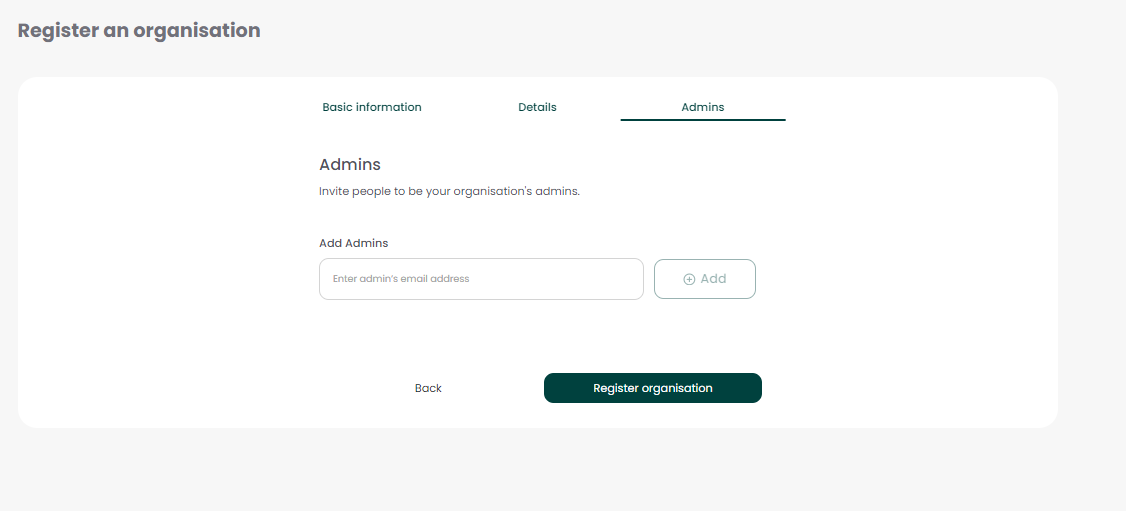
8. Click ‘Register Organisation’.
9. You will be prompted to connect with FareShare UK, so that your opportunities can be shared with our volunteers. Accept the invitation.
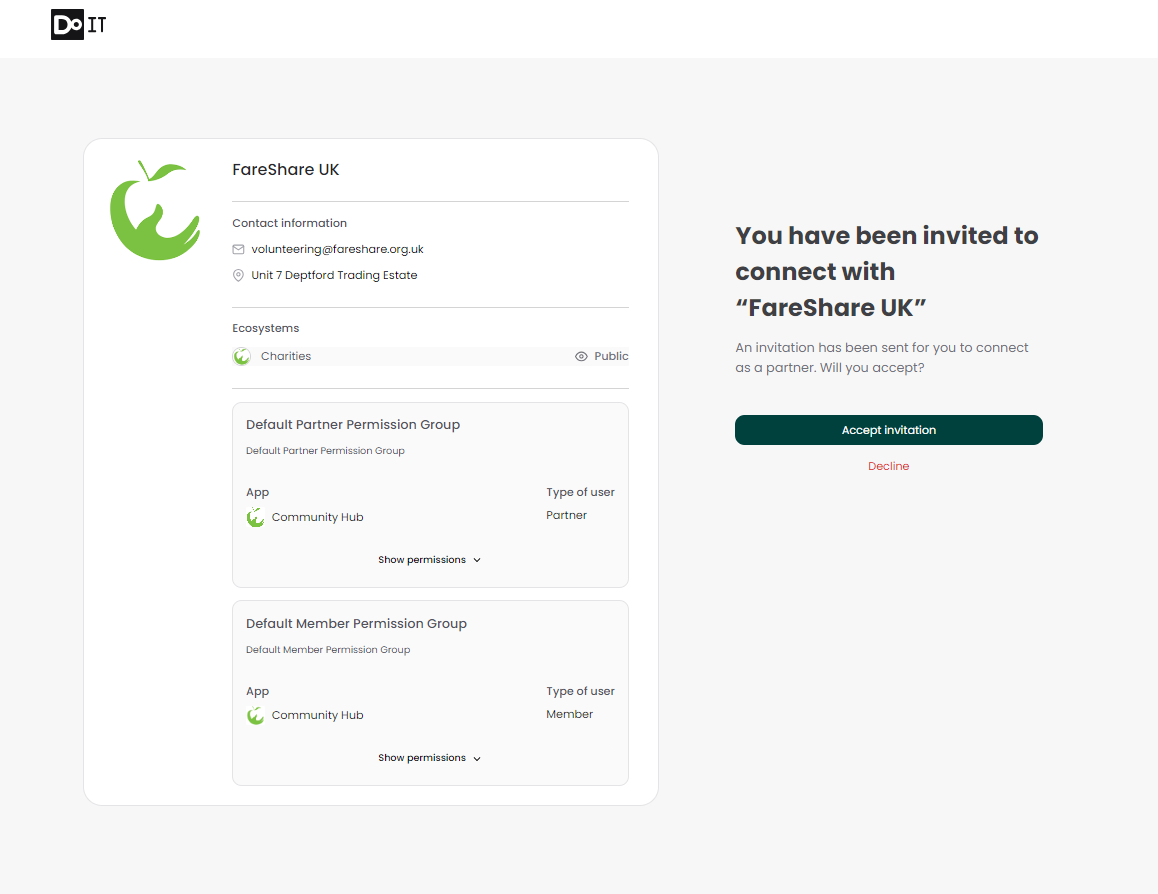
10. Click the ‘Join the FareShare Community Hub’ button.
You have now successfully joined the FareShare Community Hub! You will now be directed to your organisation’s profile.
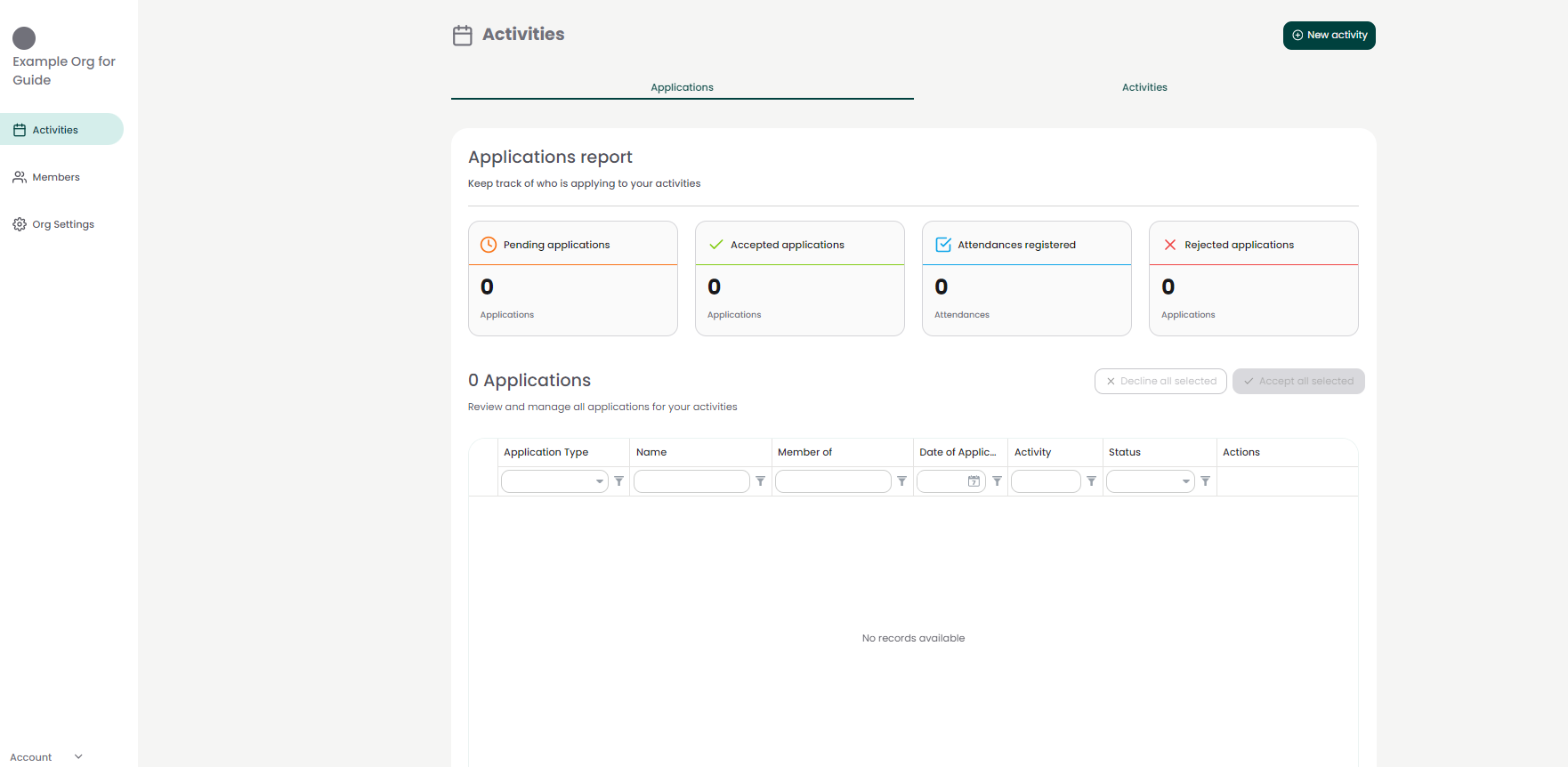
The next step is to add your first volunteer opportunity. Here is a step-by-step guide to help you: Add your first volunteer opportunity.
Please note: now that you have created an account, you can log onto the platform at any time. To log onto the platform, please go to admin.doit.life