1. To sign in, go to admin.doit.life
2. Enter your login details and click ‘Sign In’.
3. You will be directed to your organisation’s profile, opening on the ‘Activities’ page.
4. If it is not already selected, click ‘Activities’ to review the applications you have received.
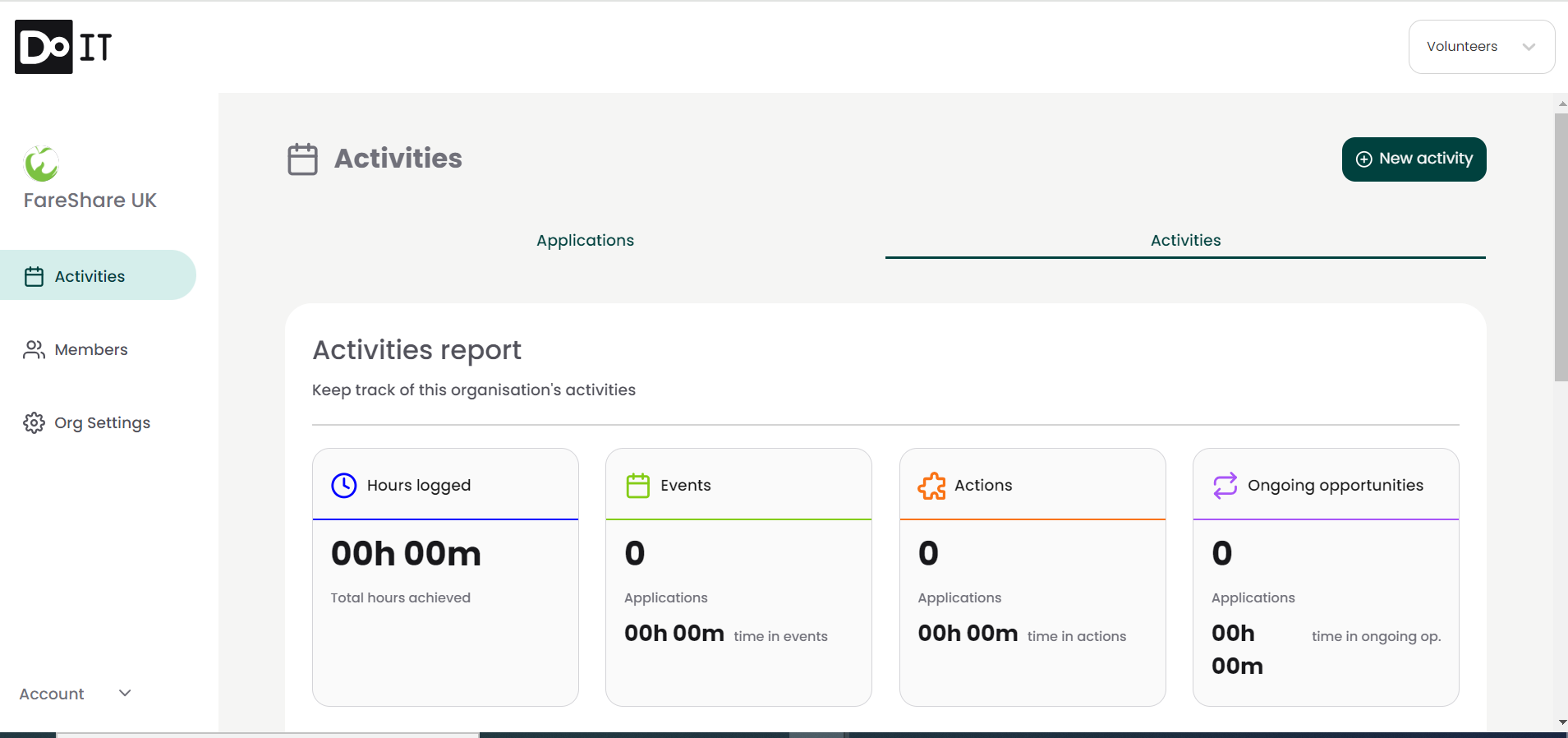
5. Here you will see the opportunities you have posted.
6. Click the three dots on the right of the opportunity you wish to update and select ‘Edit activity from the dropdown.
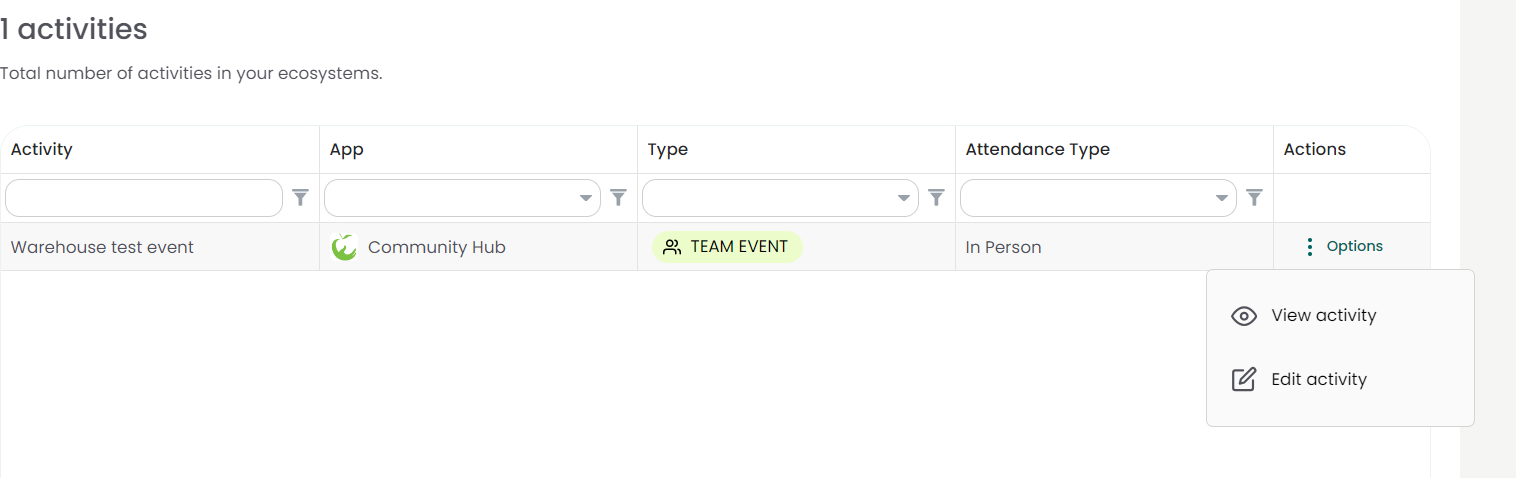
7. You will be directed to the Opportunity creation page to make any changes you need.
8. On the final page, simply click ‘publish’ again to publish your edited opportunity.