You can remove admin users from your Organisation.
This can be useful if a member of your team is leaving the organisation and you wish to remove their access.
To sign in, go to admin.doit.life
2. Enter your login details and click ‘Sign In’.
3. You will be directed to your organisation’s profile, opening on the ‘Activities’ page.
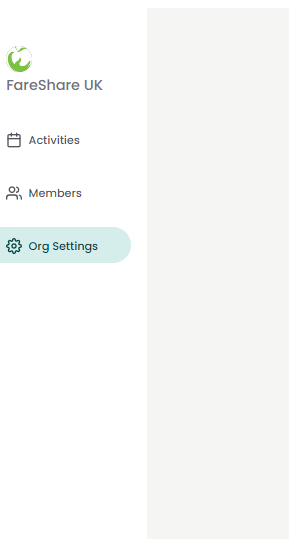
4. From the menu on the left-hand side, select ‘Org Settings’.
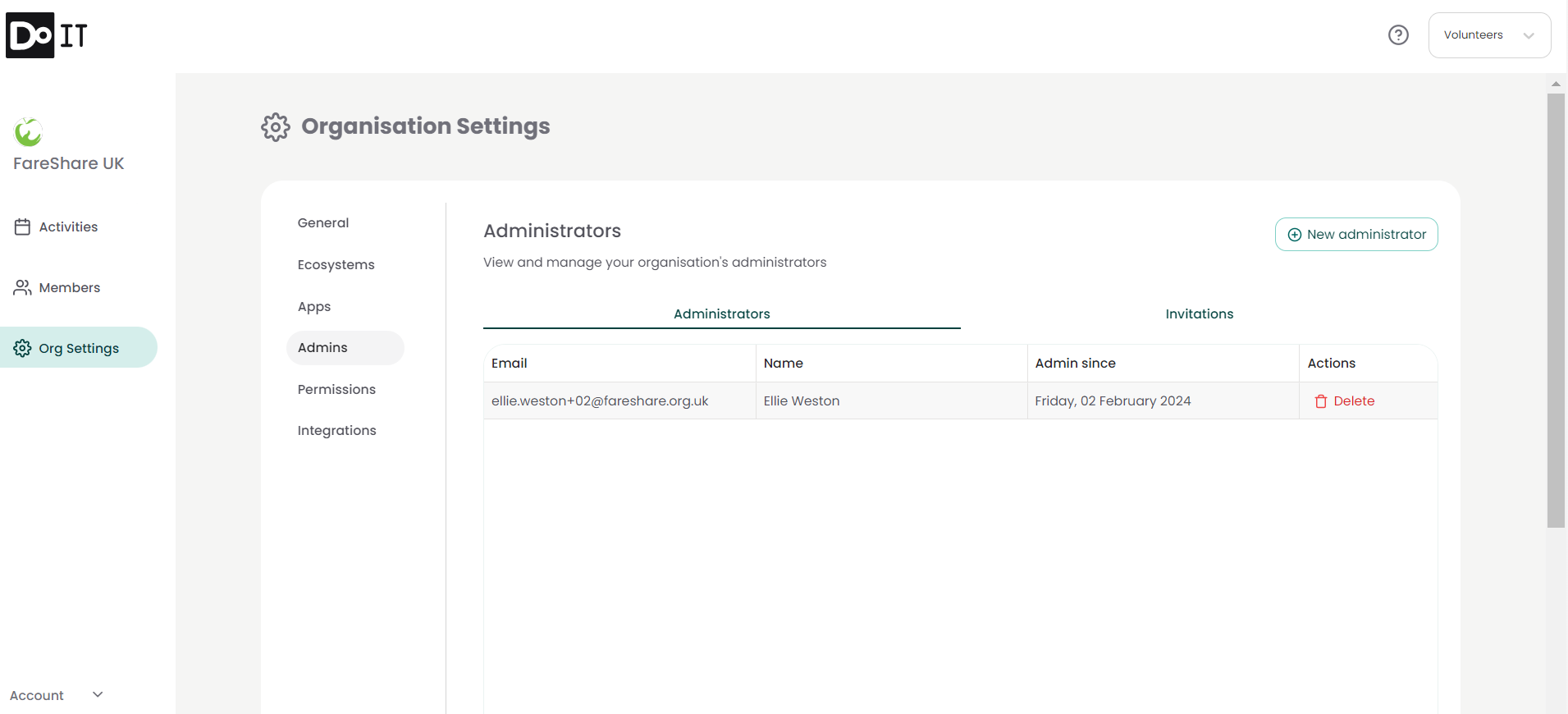
5. Select ‘Admins’ from the settings menu. You will be taken to the Admin page, displaying all current admins for your organisation.
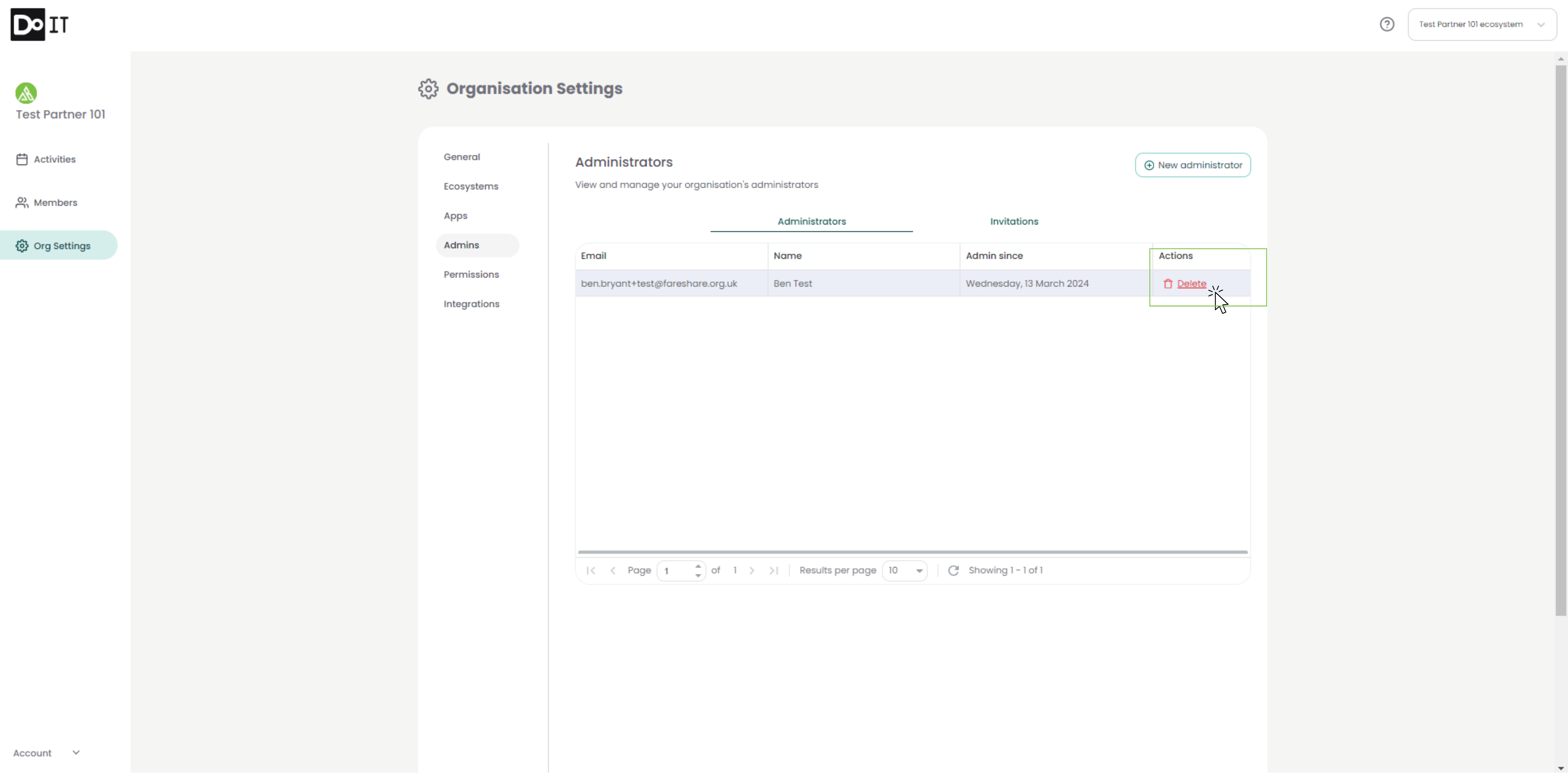
6. Next to each administrator, you will see the option to ‘Delete’ underneath the Actions heading. Click ‘Delete’ for the admin you would like to remove.
7. Confirm your selection by clicking ‘Delete Administrator’
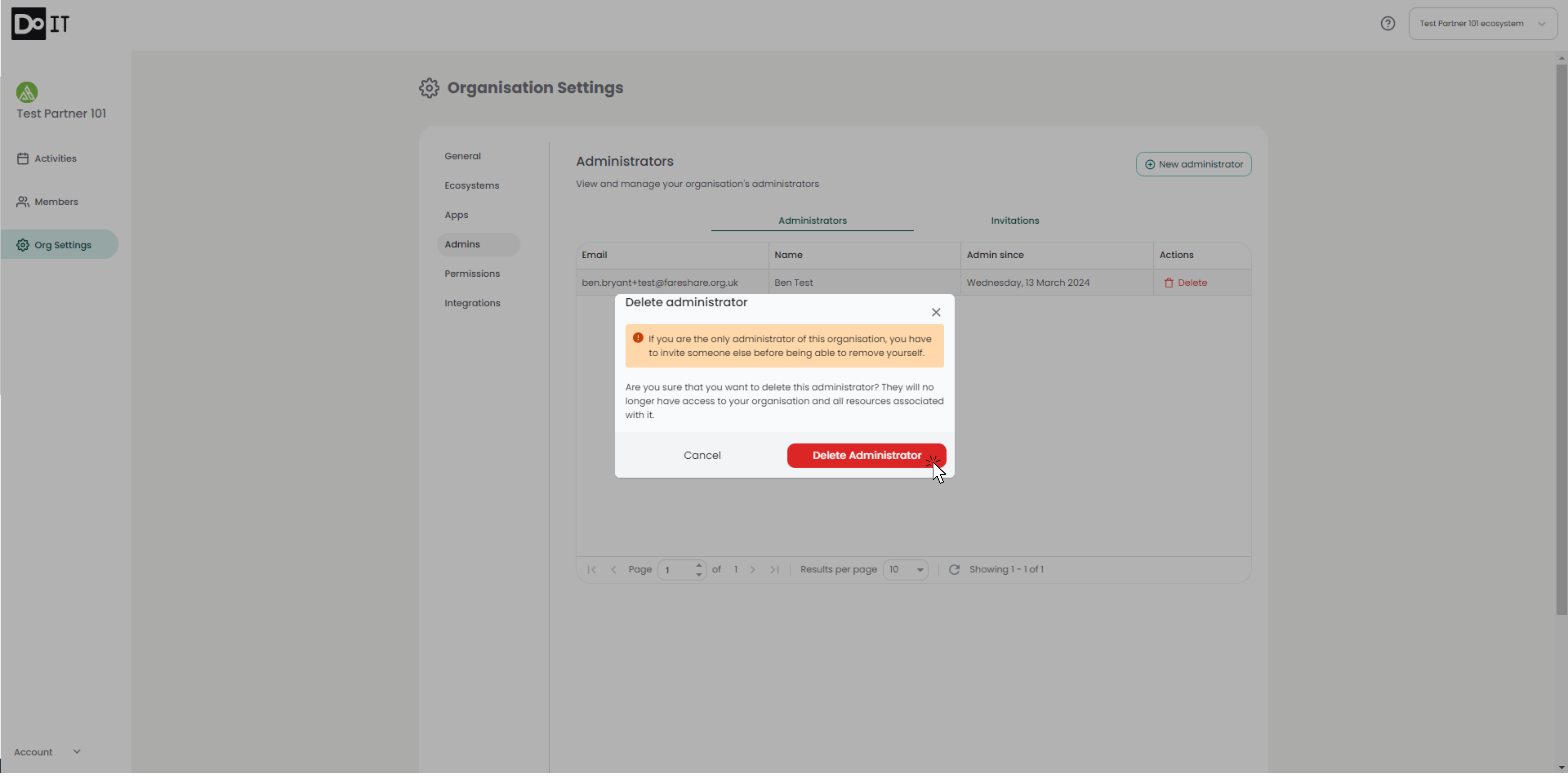
Please Note: This action cannot be undone. You will need to add the administrator again if this has occurred in error. For a guide on adding a new administrator, see Adding an Administrator.