Once you have signed up your organisation, you will be able to post volunteer opportunities describing the volunteer roles that you are looking to fill.
You are welcome to use the FareShare Community Hub to recruit for any volunteer roles. You may wish to recruit volunteers to help with your FareShare food collections or to support another role within your organisation.
1. To sign in, go to admin.doit.life
2. Enter your login details and click ‘Sign In’.
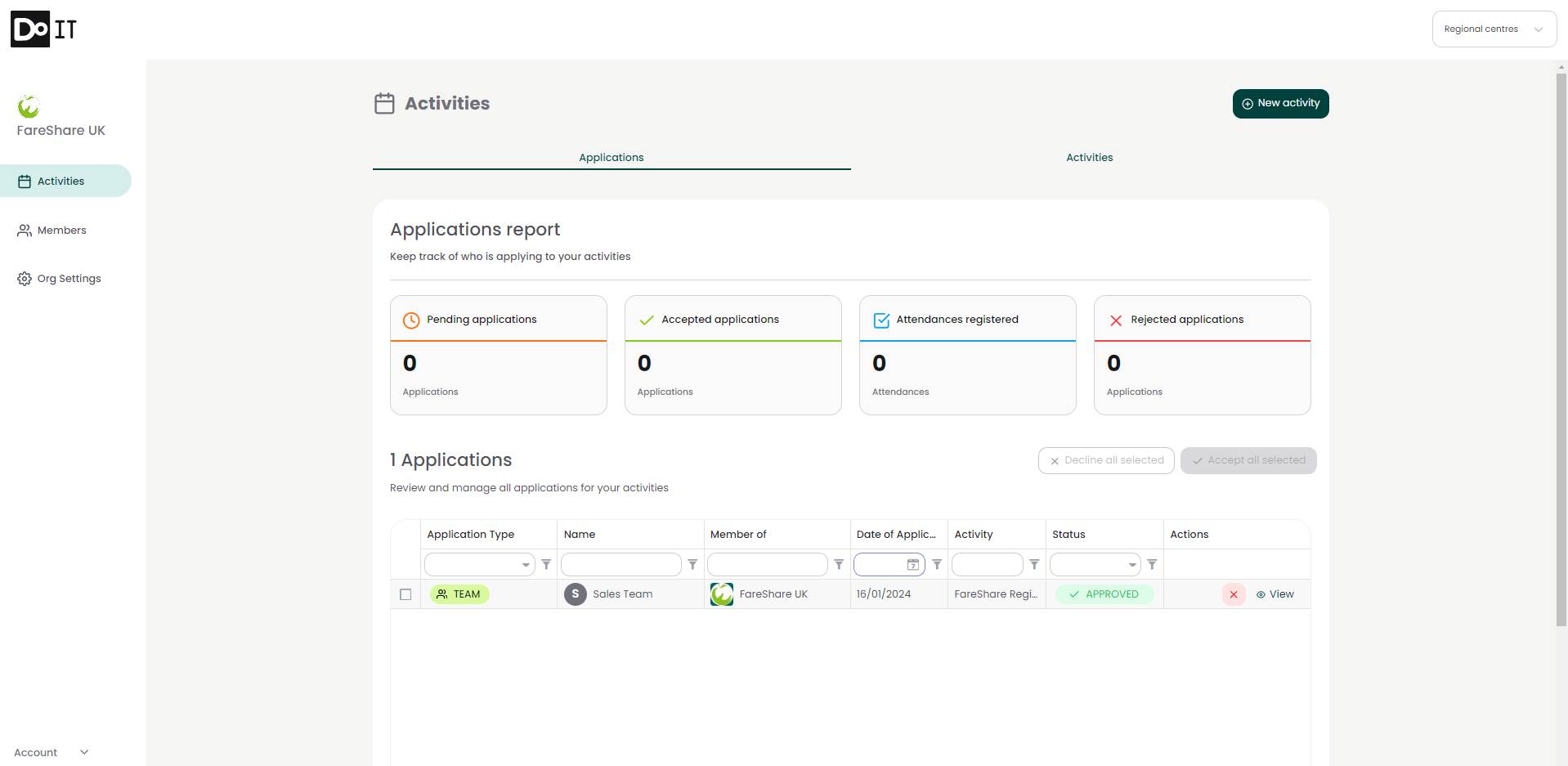
3. You will be directed to your organisation’s profile, opening on the ‘Activities’ page
4. Click ‘New Activity’ in the top right corner of the page.
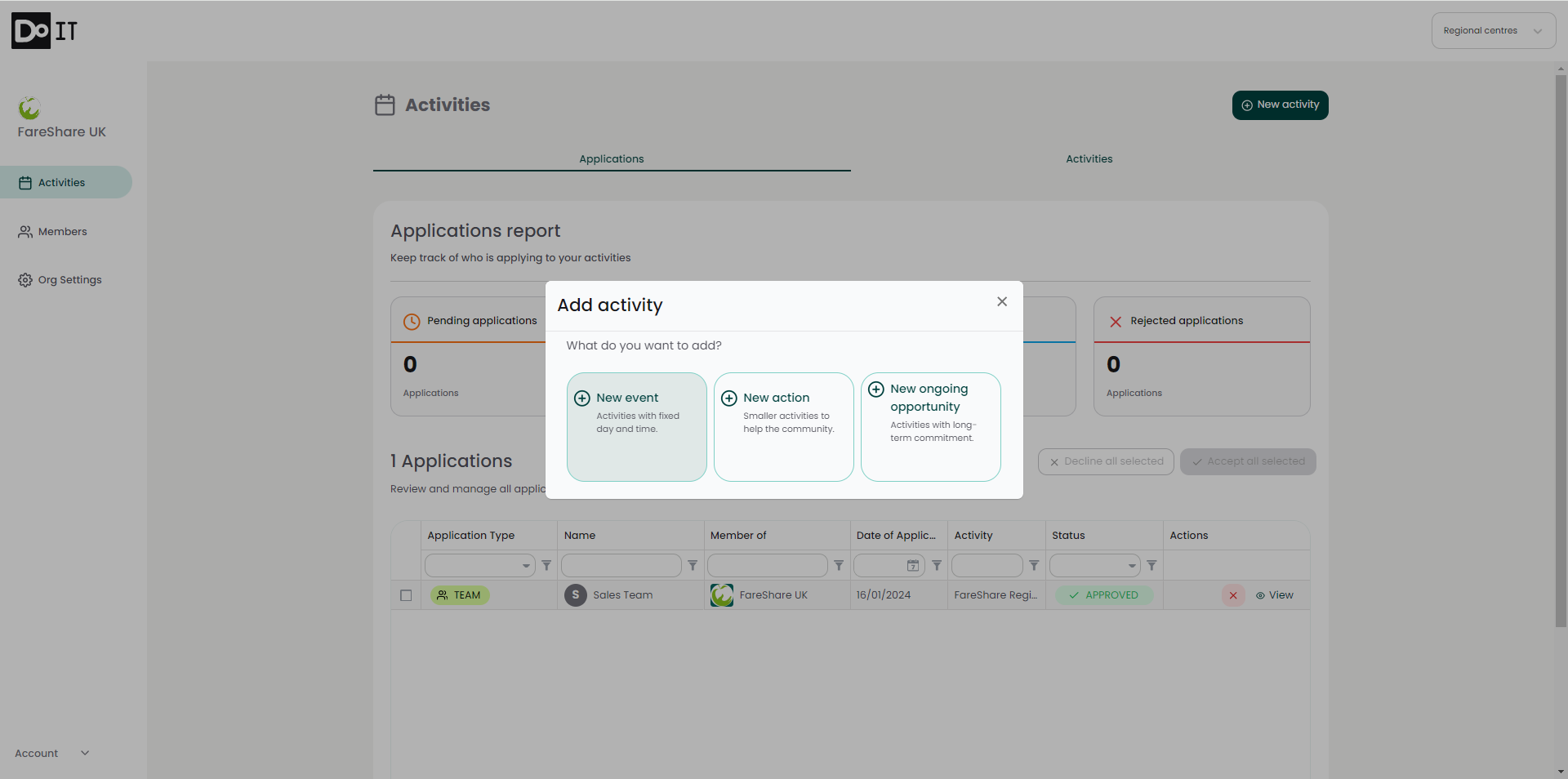
5. You will be asked to select which type of activity you would like to create. There are 3 types of activity:
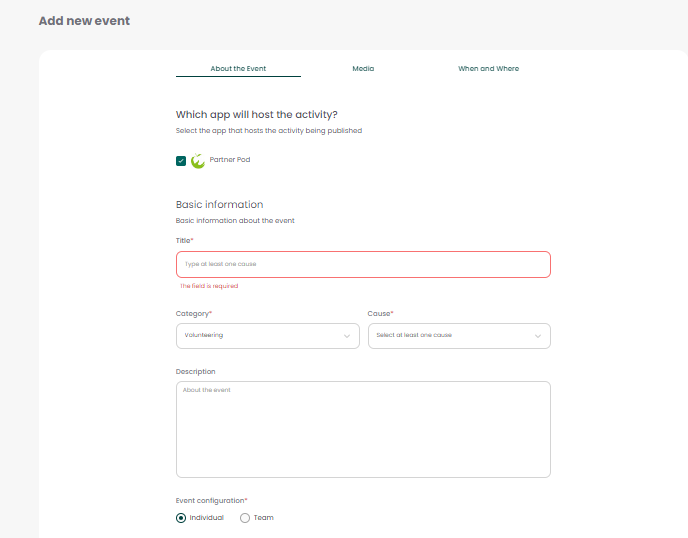
6. You will be directed to a form. Below we have given additional guidance on specific fields:
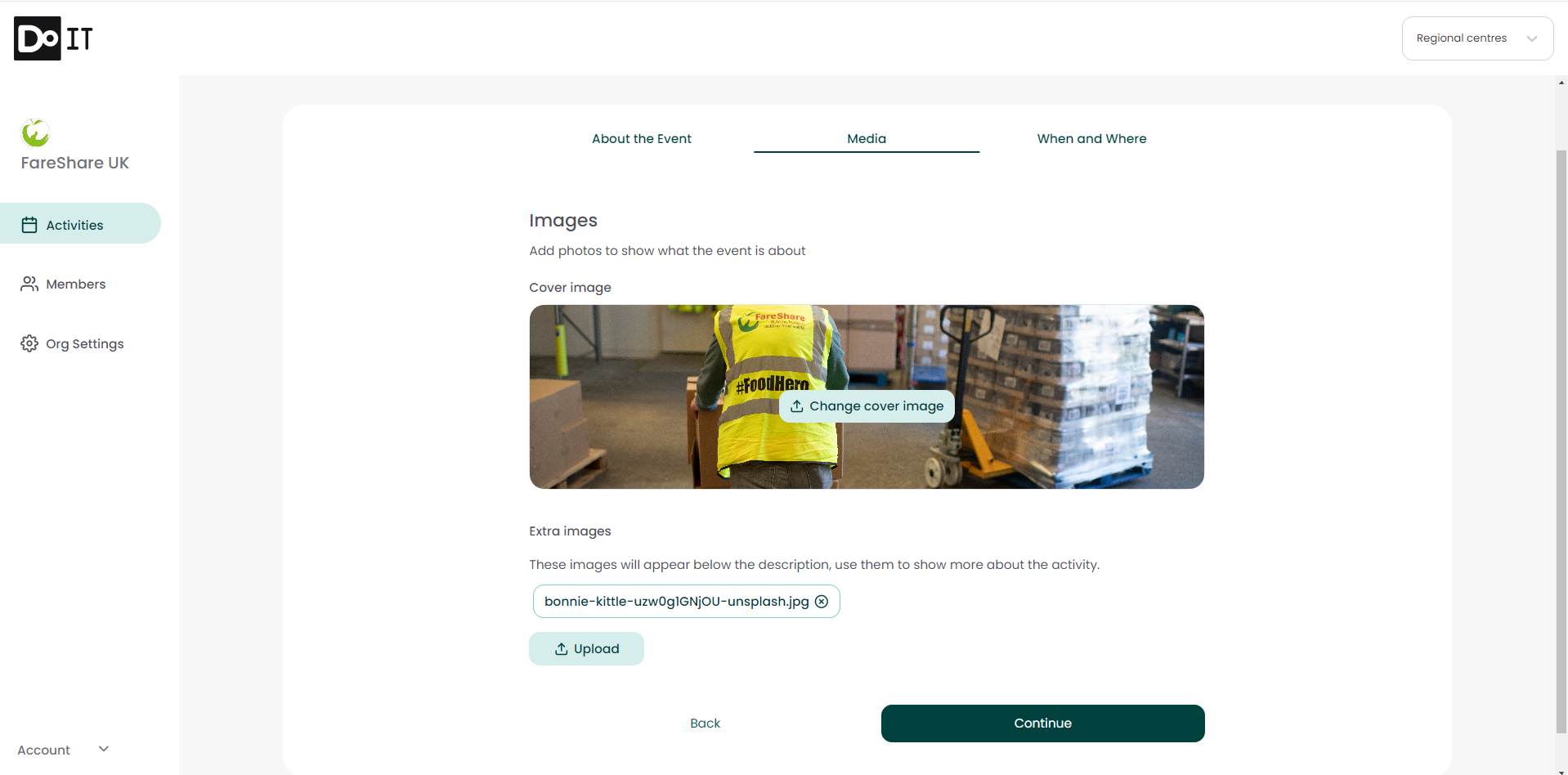
7. In the next section of the form you can add images that will be displayed on your opportunities page.
8. Finally, you can input the location and date of your event. If an event is taking place on multiple days or across multiple locations, there is an option to add additional dates or locations at the bottom of the page.
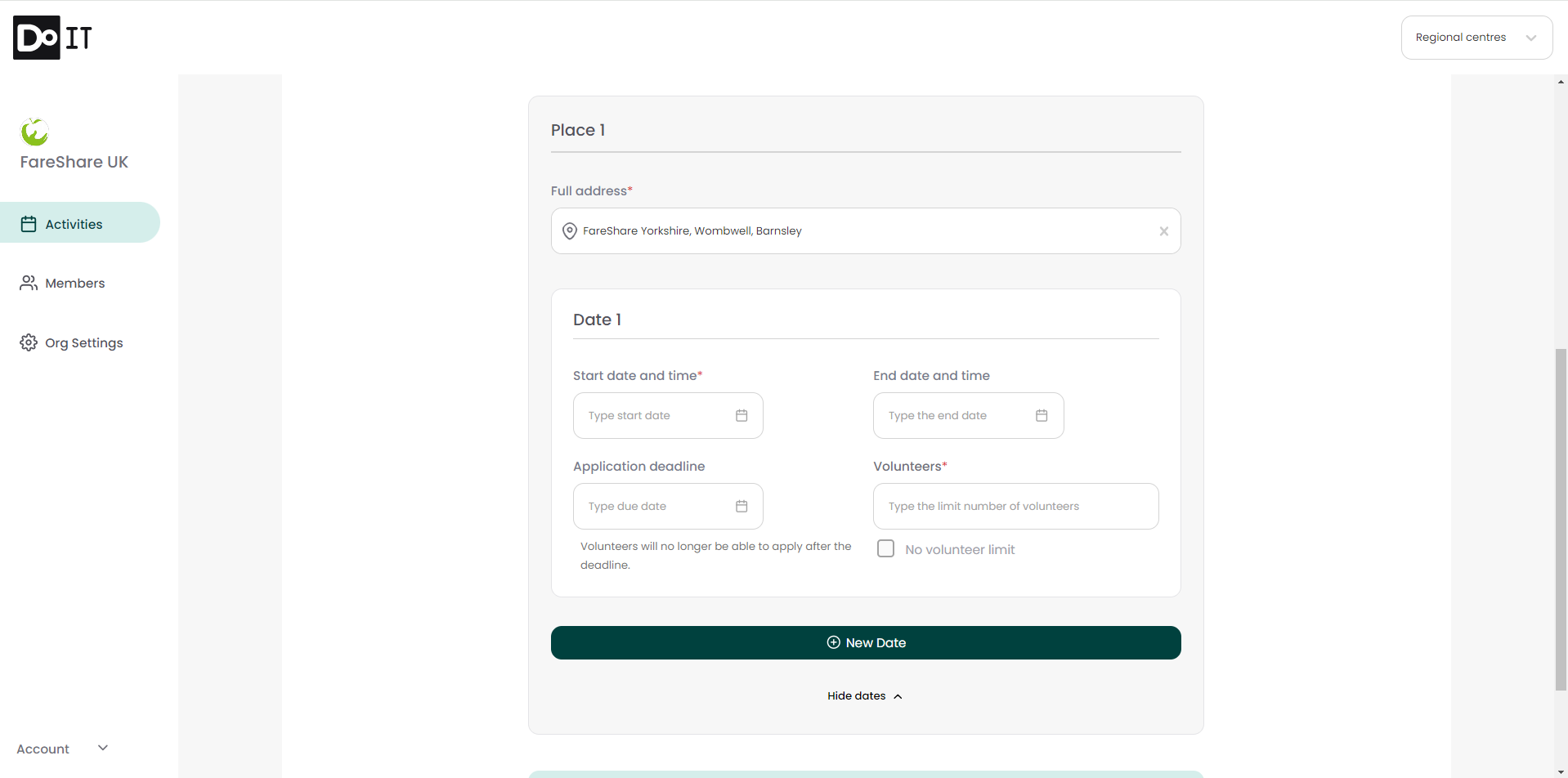
9. Click ‘Publish’ to publish your opportunity to the Community Hub. You will receive a confirmation message and be taken back to the homepage.
The opportunity will go live on FareShare Community Hub for volunteers to find and register their interest. The next step will be for you to manage any applications. Here is a step-by-step guide to help you Manage Your Volunteer Applications.