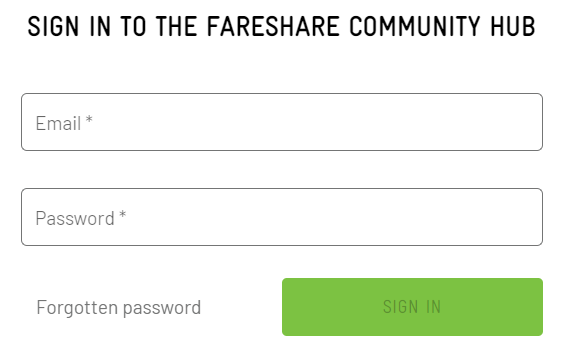
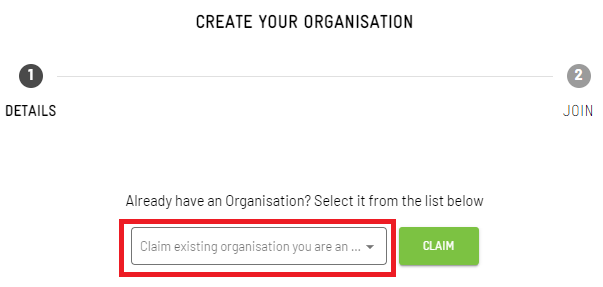
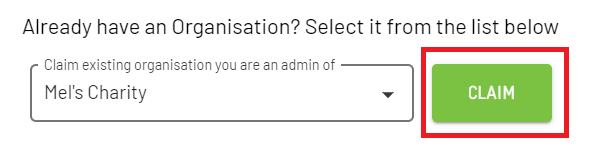
If you already have a Do IT pass and an organisation set up, you can join the FareShare Community Hub with your existing account.
The benefit of claiming your organisation is that any live opportunities can be re-published onto the FareShare Community Hub (saving you having to set these opportunities up from scratch).
This way your opportunities will be promoted to both Do IT site users and FareShare volunteers.
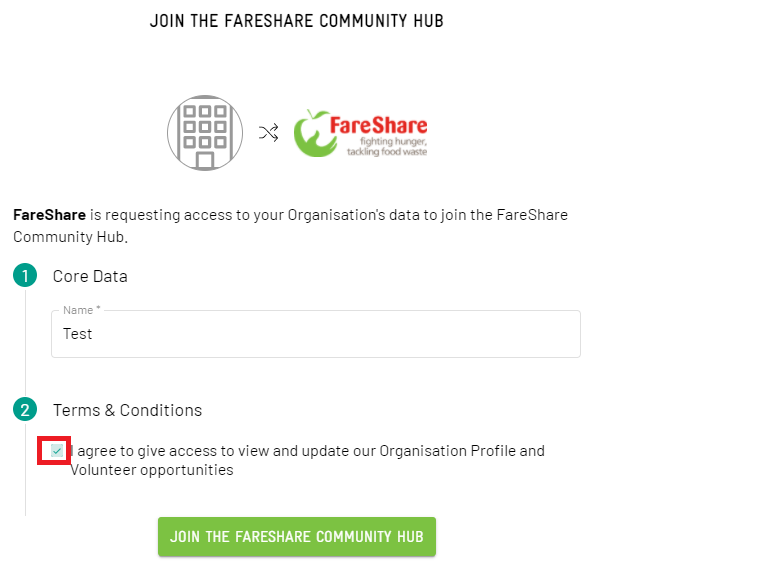
You have now successfully joined the FareShare Community Hub!
You should be directed to your admin dashboard.
The next step is to re-publish any existing opportunities to the FareShare Community Hub (so that they are promoted to FareShare volunteers).