You have full control to update your organisation profile. You can make sure that all the information is up-to-date and best reflects your organisation.
1. To sign in, go to admin.doit.life
2. Enter your login details and click ‘Sign In’.
3. You will be directed to your organisation’s profile, opening on the ‘Activities’ page.
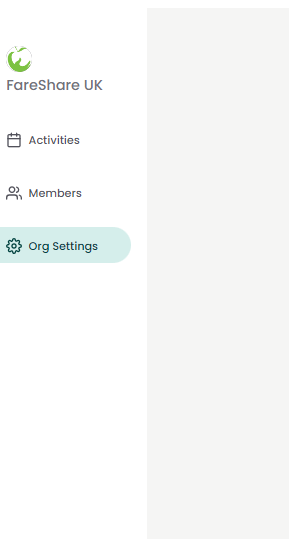
4. From the menu on the left-hand side, select ‘Org Settings’.
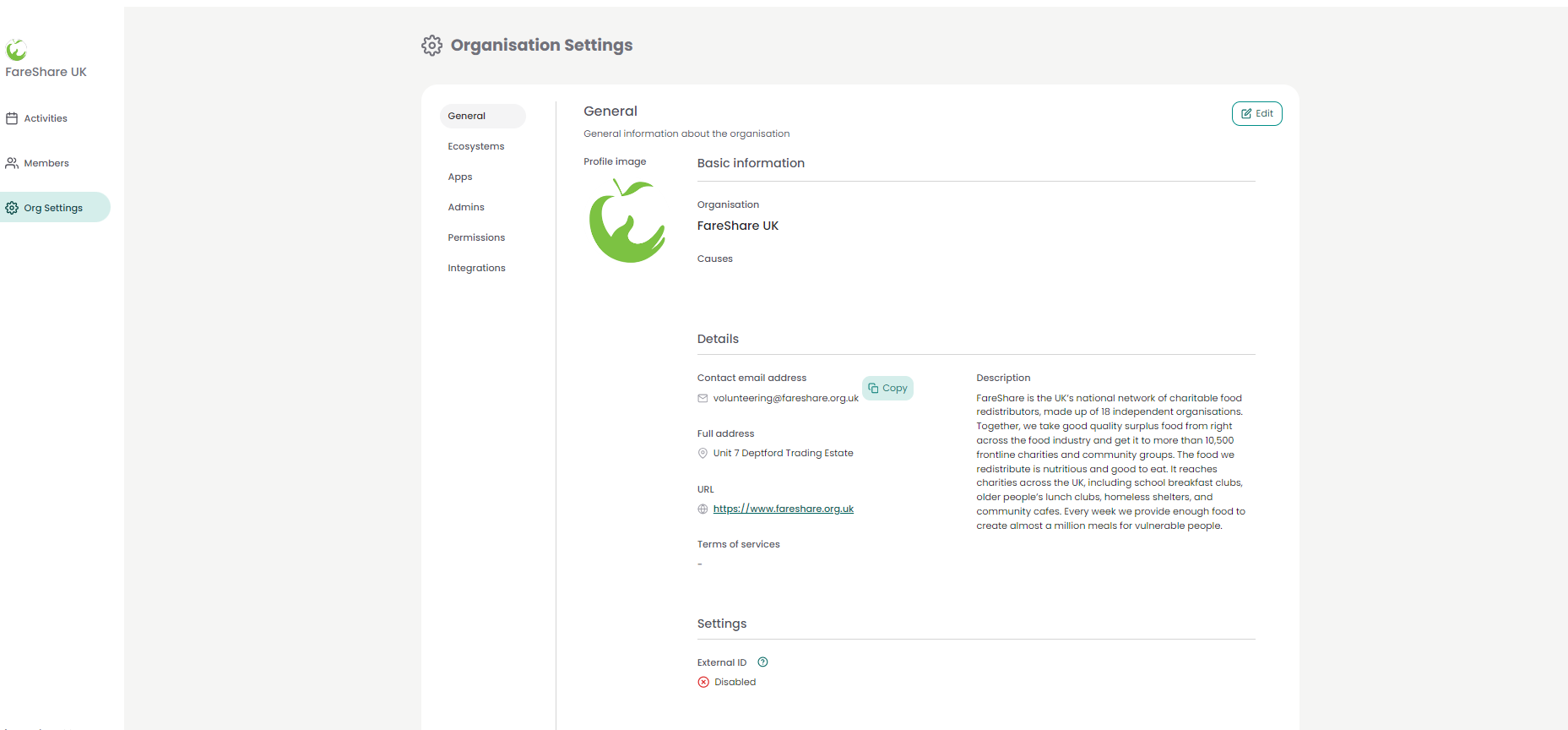
5. You will be taken to the general settings. To edit your organisation profile, select ‘General’ and then click ‘Edit’ in the top right-hand corner.
6. You will be directed to the edit page, where you will be able to change key information about your charity, including your logo, address, purpose and contact information.
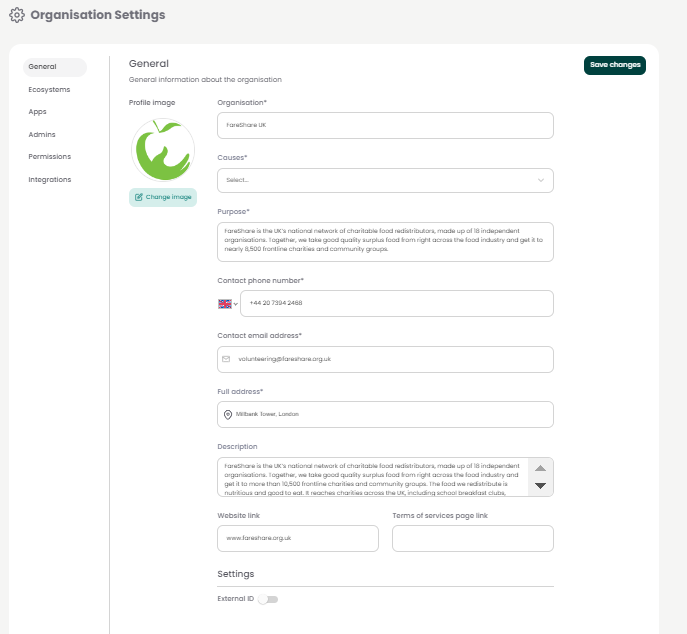
7. Once you have made the changes you would like, click ‘Save changes’ in the top righthand corner to save your changes.